Civil service study guide
Last reviewed: August 5, 2026
Reviewed by CivilServiceExam.org Editorial Team
Clerical
Speed, accuracy, and consistency for high-volume clerical tests.
Complete prep bundle
Want the full Clerical study system?
This free guide explains the exam. The premium bundle adds 200 practice questions, answer explanations, a structured study plan, a printable quick reference sheet, and interview preparation.
Overview
Clerical exams frequently combine proofreading, alphabetizing, coding, and numerical sequences with keyboard or data-entry components where announced.
This guide prioritizes accuracy first, then speed—errors often cost more than unfinished items.
The clerical exam category covers more titles than almost any other in civil service: typist, stenographer, data entry machine operator, secretary, office assistant, and more. The underlying competencies overlap substantially, but weights and specific sub-tests differ by title. Always read your announcement.
Name and number checking—comparing two columns of information and identifying matches or differences—is a staple of clerical exams. This type of item rewards systematic scanning more than reading comprehension. Develop a left-to-right, character-by-character comparison habit and practice until it is automatic.
Coding exercises ask you to translate information from one format to another using a provided key—for example, assigning letters to number ranges or replacing words with abbreviations. The key is always provided; the skill is applying it quickly and without error under time pressure.
Some jurisdictions administer a separate performance test component for typing speed and accuracy. Preparation for this component requires actual typing practice, not passive study—build your speed gradually and prioritize reducing errors per minute before increasing raw speed.
The merit system
Clerical lists are common entry points into state and local government; small score differences can change list position meaningfully.
Many clerical titles serve as stepping stones to higher-grade administrative and supervisory positions. Performing well now opens a career pathway, not just a single job.
Clerical exams are often among the most frequently administered civil service tests. If you do not achieve your target score this cycle, another administration may be announced sooner than you expect.
Some clerical titles offer open-competitive exams (anyone can apply) while others are promotional (current employees only). Confirm which category applies to the title you are targeting.
What these exams typically test
Civil service written tests usually measure more than raw subject recall: they test how you apply rules, prioritize, and work under time pressure.
- Spelling, grammar, and punctuation.
- Filing rules and sequencing.
- Name and number checking for exact matches.
- Keyboard layout and data entry when included.
- Alphabetizing: word-by-word vs. letter-by-letter rules.
- Coding: translating information using a provided key quickly and accurately.
- Numerical sequencing: identifying the next number in a pattern or finding an out-of-order entry.
- Proofreading: identifying errors in spelling, capitalization, punctuation, and formatting.
- Clerical aptitude: performing rapid, accurate comparisons between sets of names, numbers, or codes.
- Following written instructions: completing a task exactly as described in multi-step directions.
Topic checklist
- Alphabetizing and word order
- Attention to detail drills
- Business letter and email conventions
- Time management per section
- Word-by-word vs. letter-by-letter alphabetizing rules
- Numeric and alphanumeric filing systems
- Coding keys: translating between symbols, numbers, and letters
- Common punctuation rules: comma, semicolon, apostrophe, colon
- Capitalization conventions in formal correspondence
- Subject-matter filing: organizing records by topic or category
- Data entry accuracy: catching transpositions, omissions, and substitutions
How to prepare
- Practice name and number comparison under strict time limits. Print two columns of 20 items and give yourself 90 seconds to identify all discrepancies. Build speed through repetition.
- Study both alphabetizing systems: word-by-word (spaces count as first character) and letter-by-letter (spaces are ignored). Exams specify which system applies; know both.
- Build coding speed by creating your own substitution keys and practicing translation drills. The cognitive demand is modest, but accuracy at speed requires practice.
- Proofread sample documents by reading right-to-left to break the habit of reading for meaning. This technique forces attention to individual characters and catches transposition errors.
- For typing components, practice on the exact type of device you will use—computer keyboard, not phone. Aim for 98% accuracy before trying to increase speed.
- Complete at least three timed mock clerical sections. Clerical exams reward the candidate who has automated the most routine skills—practice turns deliberate effort into habit.
Common mistakes to avoid
- Using the wrong alphabetizing system for the exam. Confirm whether your test uses word-by-word or letter-by-letter rules and practice that system exclusively.
- Scanning too quickly on name/number comparison items. The correct answer is always determinable; candidates who miss items are usually moving faster than their accuracy allows.
- Misreading coding keys by skipping back to verify the key for every item. Memorize the key or build a reliable lookup rhythm—inconsistent referencing is a timing trap.
- Fixing obvious-seeming spelling errors that are actually correct, or missing subtle errors (transposed letters, wrong homophone) that do not stand out in casual reading.
- Treating the exam as a single speed challenge. Most clerical exams have separate sections with distinct pace requirements. A filing section and a number-checking section require different rhythms.
Exam day strategy
- Before each section, read the instructions completely—even if you believe you know the format. Section-specific rules (e.g., scoring for omissions vs. errors) affect your strategy.
- On alphabetizing items, say the letters mentally as you compare—do not rely on visual pattern matching, which breaks down under time pressure.
- For coding items, complete all easy translations first, then return to items where you need to re-check the key. This prevents the key-lookup bottleneck from slowing the entire section.
- Proofreading items: read each sentence once for meaning, then once more specifically checking punctuation, then once more checking spelling. This three-pass method catches most error types.
- If a data entry component is included, type through errors rather than stopping to correct them if deletion takes longer than a few keystrokes—completion rates matter alongside accuracy rates.
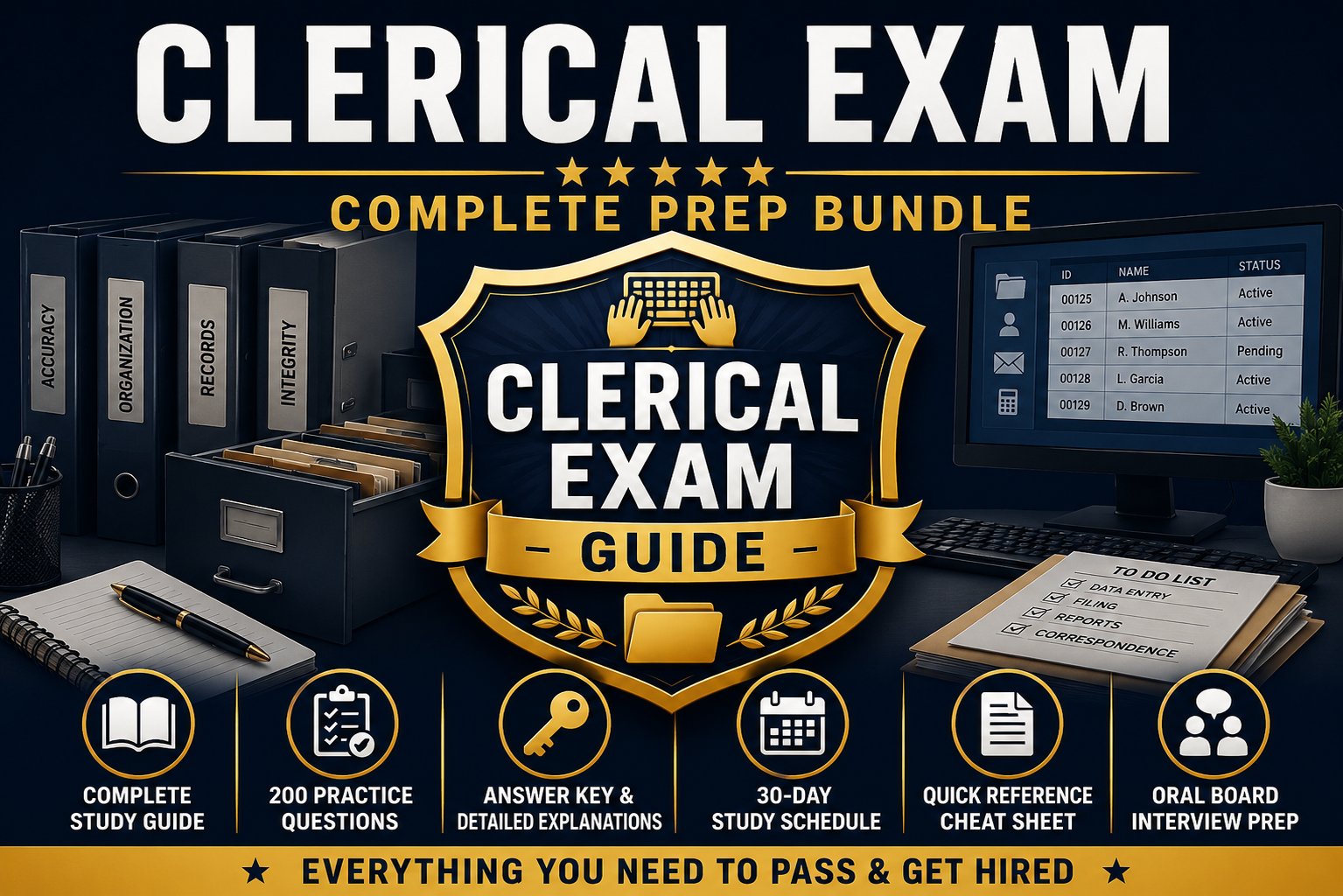
Premium PDF Bundle
Clerical Exam Prep Bundle: $12.99
6 resources, 200 practice questions, a 30-day study plan, and bonus interview prep: built as a complete score-improvement system.
- ✓RESOURCE 1 - Clerical Civil Service Exam Study Guide: Review six common clerical skill areas: Speed & Accuracy, Alphabetizing & Filing, Reading Comprehension, Written Expression, Basic Arithmetic & Office Math, and Office Procedures & Records Management. Includes worked examples and techniques for improving speed and accuracy. Actual subjects, format, timing, scoring, and calculator rules depend on your exam announcement.
- ✓RESOURCE 2 - 200 Original Practice Questions: Independently created questions across the six skill areas (Parts 1–6), including directory-update, running-balance, and collating exercises. Filing conventions are stated within the questions, and state-specific or fictional passages are labeled. The schedule includes a cumulative timed practice session using the 200 questions, with a suggested 150-minute practice target.
- ✓RESOURCE 3 - Answer Key & Detailed Explanations: Review the reasoning behind each answer and identify areas that may need more study. Includes internal practice benchmarks for study planning only, not official passing scores.
- ✓RESOURCE 4 - Four-Week Supplemental Preparation Plan: A structured day-by-day plan (30-day structure) with a condensed 2-week option for shorter timelines.
- ✓RESOURCE 5 - Clerical Applicant Quick Review: Concise review of alphabetizing and filing reminders, office math formulas, grammar and spelling reminders, and test-day reminders to follow your official notice.
- ✓RESOURCE 6 - Clerical / Office Support Interview Preparation (Bonus): Original practice questions on professionalism, customer service, ethics, teamwork, confidentiality, and communication. Depending on the agency, candidates may encounter a panel interview, structured interview, oral board, or other selection steps. The STAR method is included as one optional framework; sample questions are not official.
Clerical & office titles: Clerical exam practice test →